A tool from Moonbase 2090

Lightwell

Turning the lights on in the Dark Factory.

Open any codebase and see it as a living map: every module a block, every dependency a line, laid out for you and updated as the code changes.

v0.1.15 · macOS, Linux x86_64 and ARM64, and Windows x64 · Rust, TypeScript, JavaScript, Python, Go, C# and VB.NET · MIT licensed

Why Lightwell

Software is being built faster than anyone can read it.

More and more code is written in the dark: generated, refactored and merged around the clock. Lightwell is the opening in the roof. Point it at a folder and the whole structure comes into view, so you can understand what was built, where it changed and how the pieces fit.

01 Live architecture map

Your codebase, laid out like a floor plan.

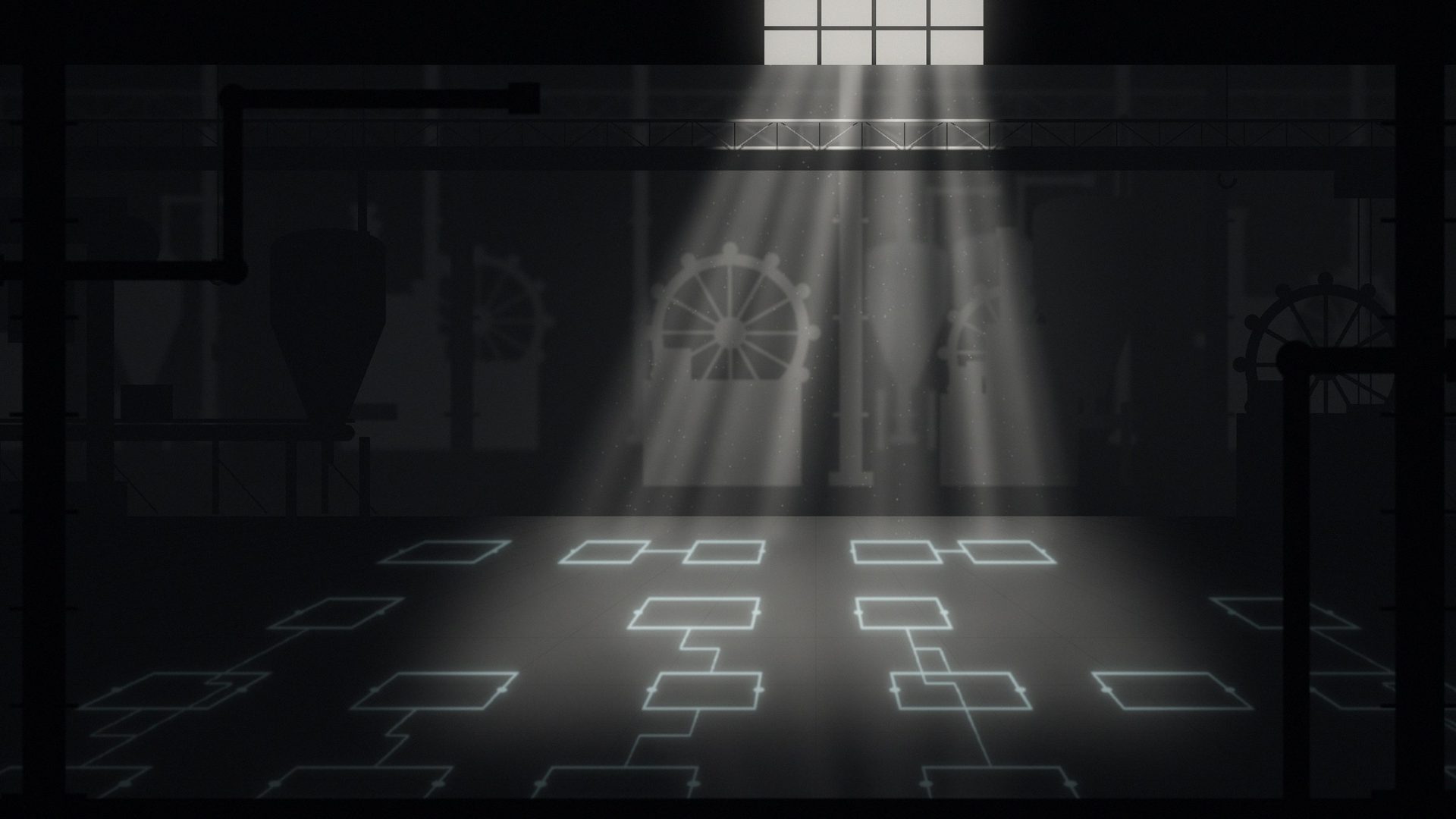
Open a folder and the map draws itself. Modules become blocks, dependencies become connections, and everything is arranged automatically. Zoom from the whole system down to a single module. Save a file and the map updates in place.
02 Click through to the code

From the big picture to the exact line.

Every block is a door. Click one to open its source right where it lives in the built-in, read-only inspector beside the map, so you can read a module without leaving the map.

03 Notes that live in the repo

Leave a light on for the next person.

Pin notes to any block: why it exists, what to watch out for, who to ask. Notes are saved in a small file inside your project, so they travel with the code and your team shares them through git like everything else.

.lightwell/notes.json

04 Commit diff view

See exactly what a commit touched.

Pick a commit, or a range, and the map lights up the blocks and connections it changed, while everything else falls into shadow. Expand the summary to list the changed blocks and files with their line counts, jump to a change, and filter the map to only what changed. Review a change by its shape, not just its line count.

Open more light

The more you look, the more you see.

  • Open a folder. The map builds in seconds.
  • Follow a connection. See who depends on what.
  • Click a block. Land in the source.
  • Leave a note. Your team finds it on the next pull.
  • LW-PARSER / 01
    Rust
    .rsOnline
  • LW-PARSER / 02
    TypeScript & JavaScript
    .ts .tsx .mts .cts .js .jsx .mjs .cjsOnline
  • LW-PARSER / 03
    Python
    .pyOnline
  • LW-PARSER / 04
    Go
    .goOnline
  • LW-PARSER / 05
    C#
    .cs .csproj .slnOnline
  • LW-PARSER / 06
    VB.NET
    .vb .vbprojOnline

Download

Turn the lights on.

Lightwell v0.1.15 is out for macOS on Apple Silicon and Intel, Linux x86_64 and ARM64, and Windows x64. Open a Rust, TypeScript, JavaScript, Python, Go, C# or VB.NET project and the map draws itself. Since v0.1.6, Node and TypeScript projects open without a Cargo.toml.

View releases
choose an available platform

macOS: open the disk image and drag Lightwell to Applications. It is signed with Apple Developer ID and notarized by Apple, and needs macOS 11.0 or later. Linux: sudo apt install ./Lightwell_0.1.15_amd64.deb on Debian, Ubuntu and other apt-based distributions with glibc 2.28 or later. On Fedora, RHEL or openSUSE install the .rpm with dnf or zypper. The AppImage runs on any distribution after chmod +x. On Arch and others, unpack the .tar.gz and run sudo ./install.sh. The ARM64 .tar.gz carries the command line tool. Windows: run Lightwell_0.1.15_x64.msi. Then choose Open workspace and pick your project folder. Checksums are in SHA256SUMS; see all releases.

build from source

$ git clone https://github.com/moonbase2090/lightwell.git
$ cd lightwell
$ npm ci
$ npm run tauri:build
$ cargo install --path crates/lightwell-cli

Needs Node.js 22 and a stable Rust toolchain. The last line installs the command line tool. See the install guide.

Independent systems / The maker

Moonbase 2090

Moonbase2090 builds Lightwell.

Visit Moonbase 2090 ↗